go-ascii
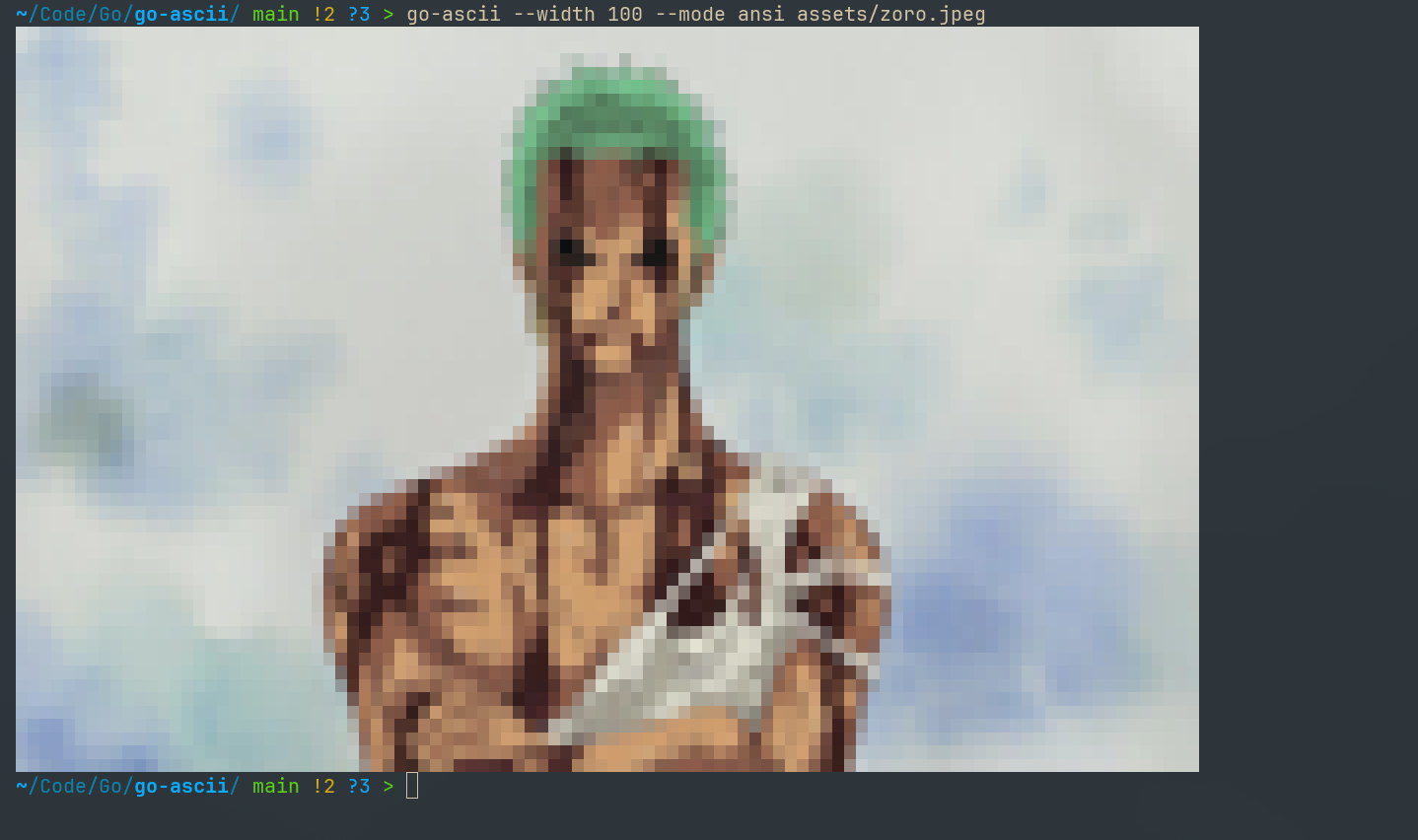
I needed some custom text art for my nvim dashboard config and was learning go at the time. So, I made a quick and easy cli tool in go to convert images into ASCII, ANSI, or Braille text art right from your terminal!
Installation
Prerequisites
- Go 1.22+ installed on your system
$GOPATH/binor$HOME/go/bin(or$GOBIN) on yourPATH
Install with Go
go install github.com/KhasarMunkh/go-ascii@latest
Or clone the repo and run locally:
git clone https://github.com/KhasarMunkh/go-ascii.git
cd go-ascii
go run . --mode ascii --width 120 assets/zoro.jpeg
Usage
go-ascii --mode ascii|ansi|braille --width <cols> [--out <file or ->] <image file or ->
--mode: Rendering mode (ascii,ansi, orbraille). Default:braille--width: Output width in character cells. Default:200--out: Output file (default: stdout).<image>: Path to image file
Example
## License
MIT